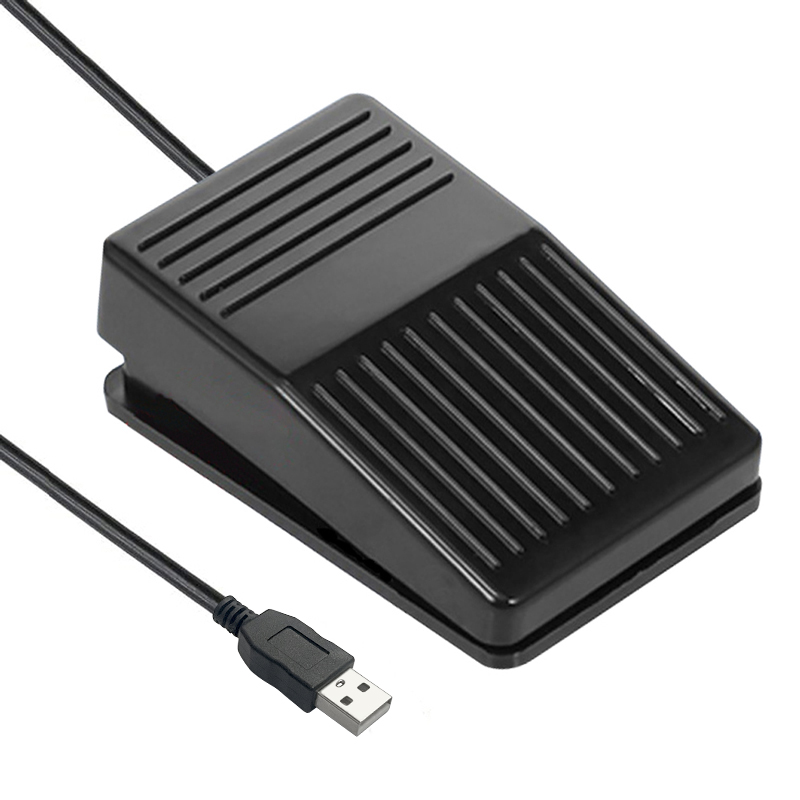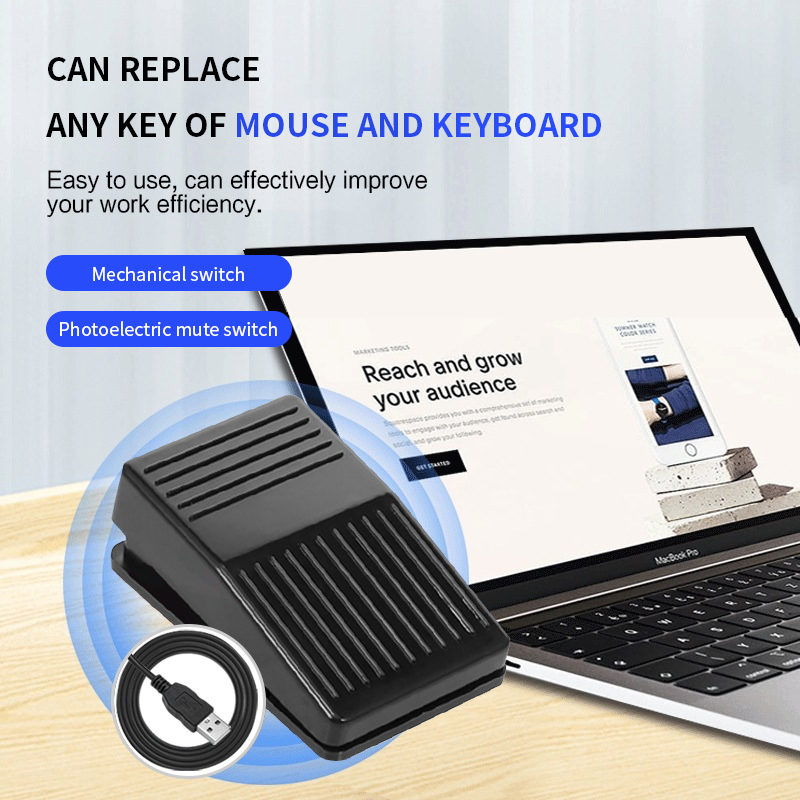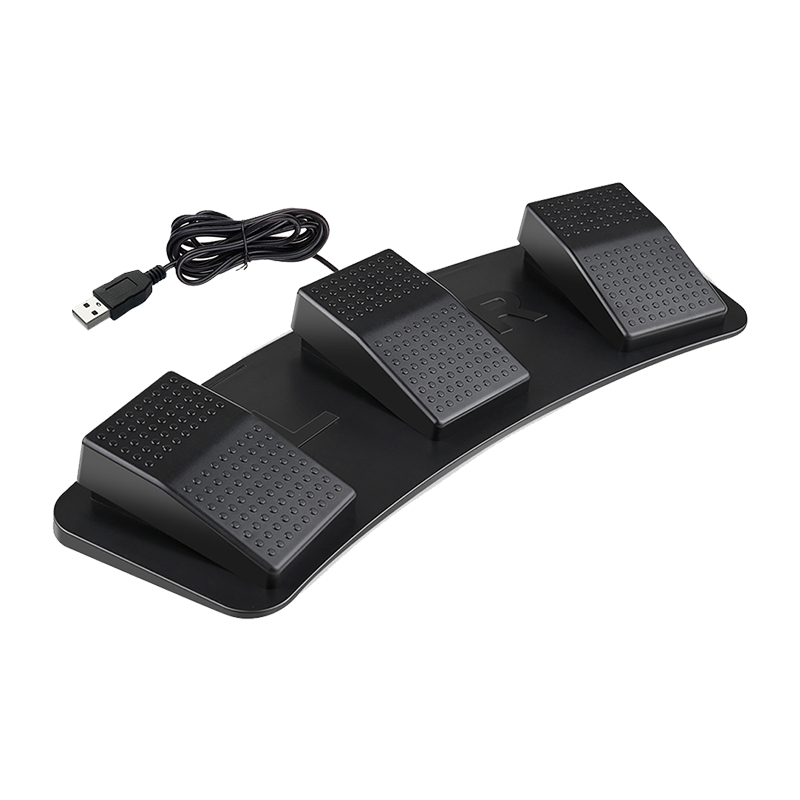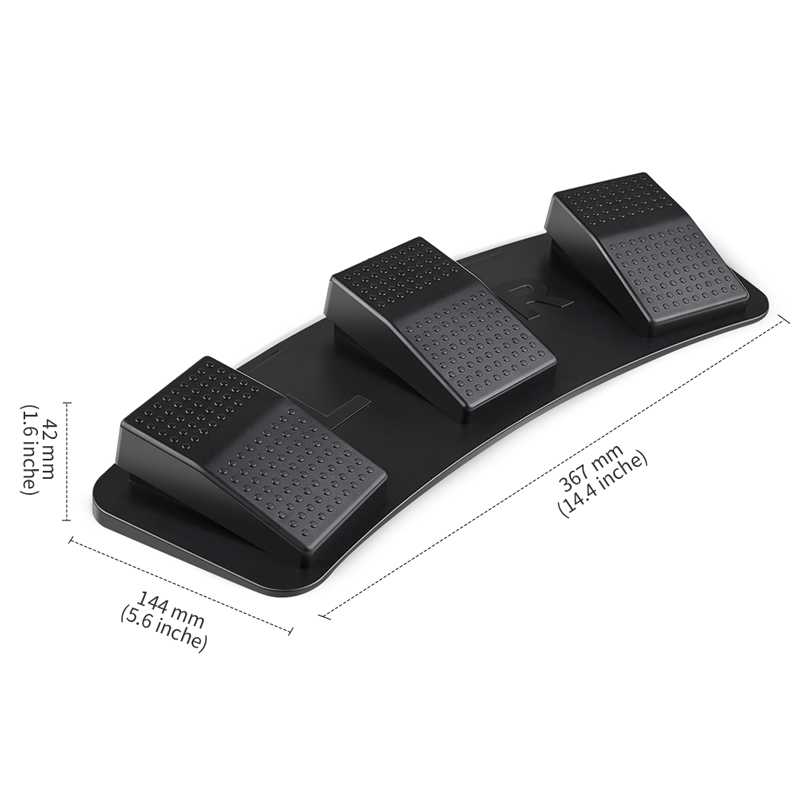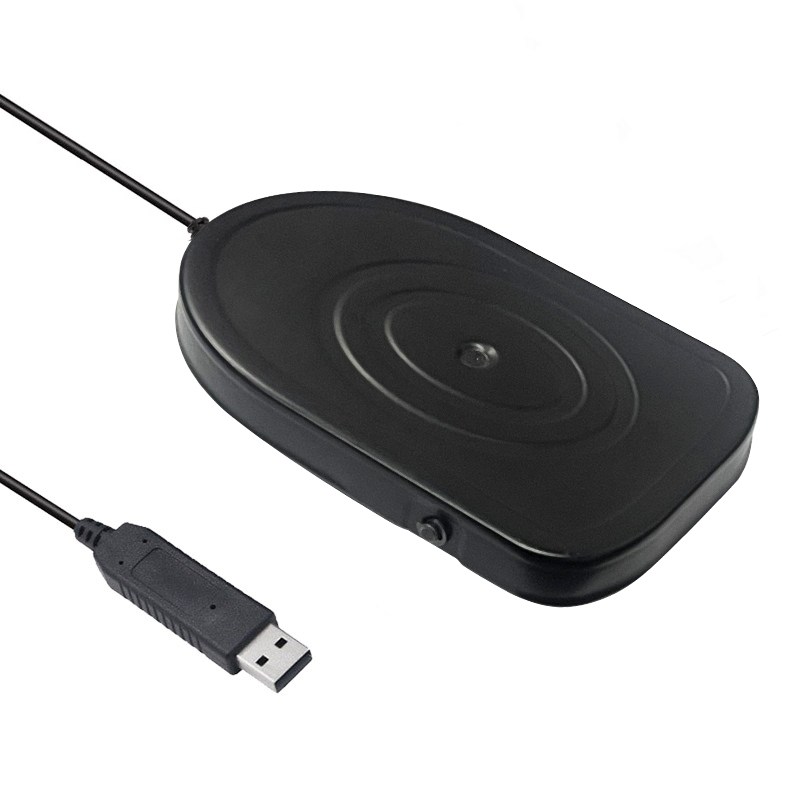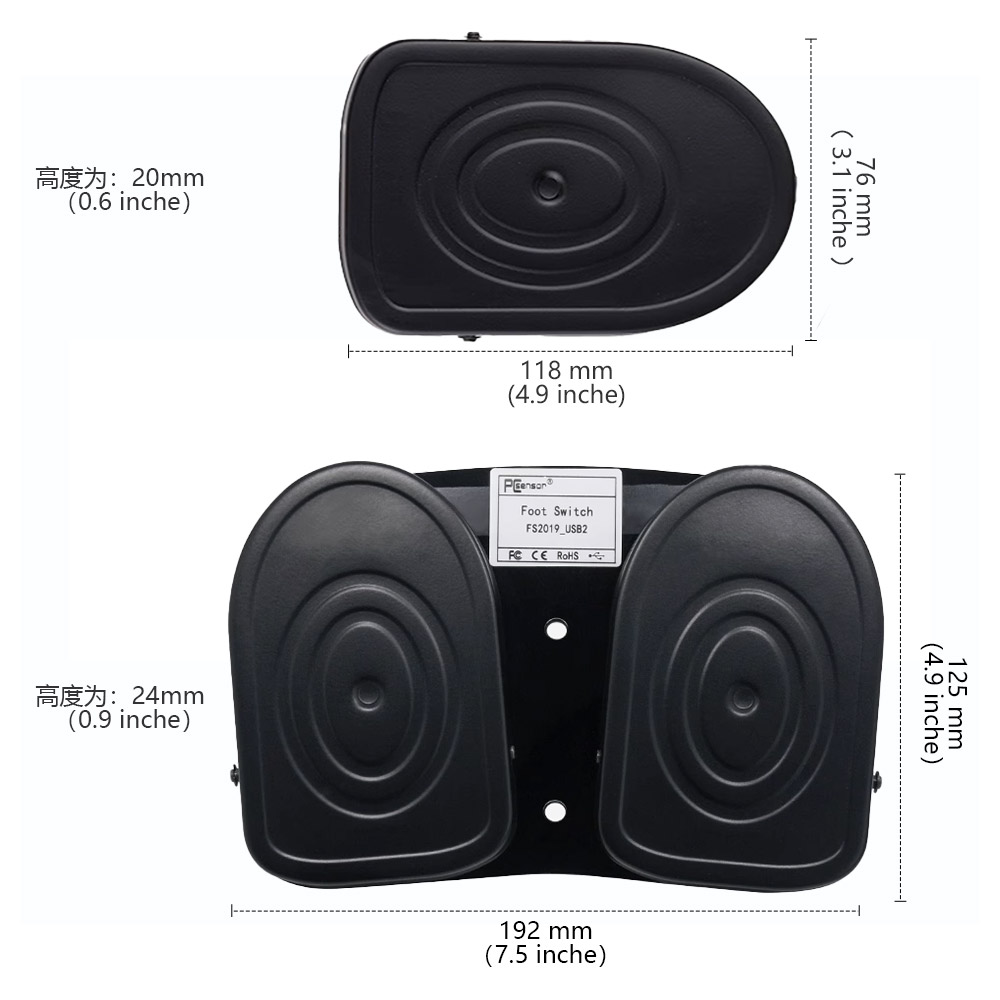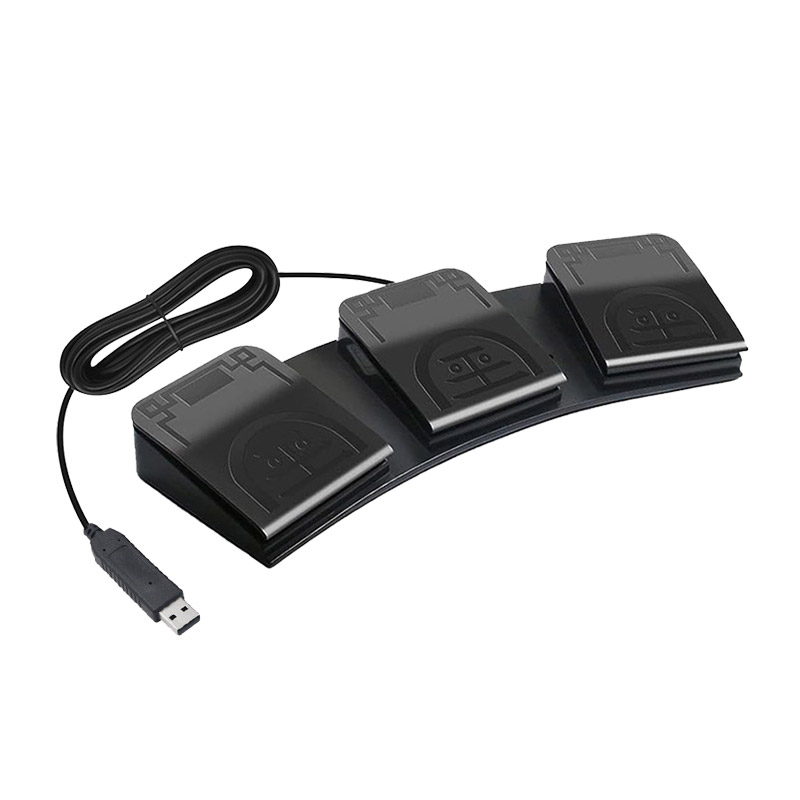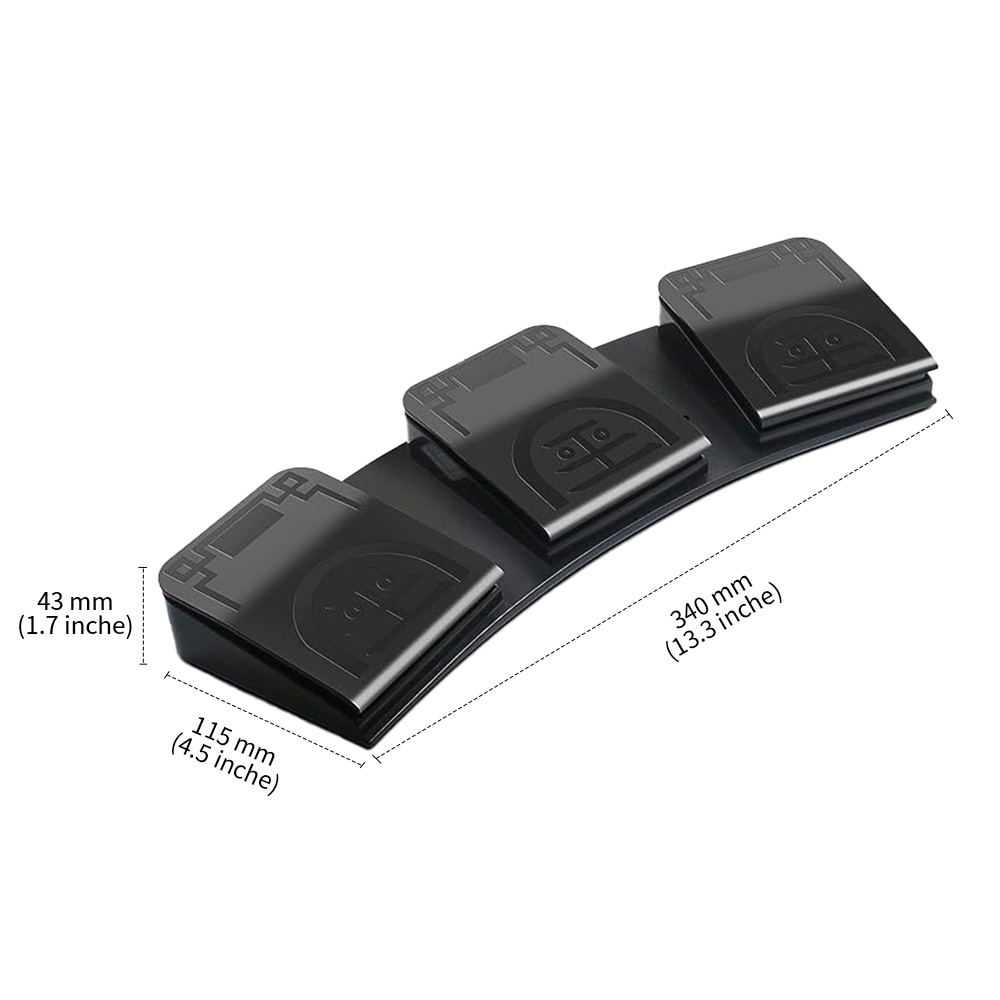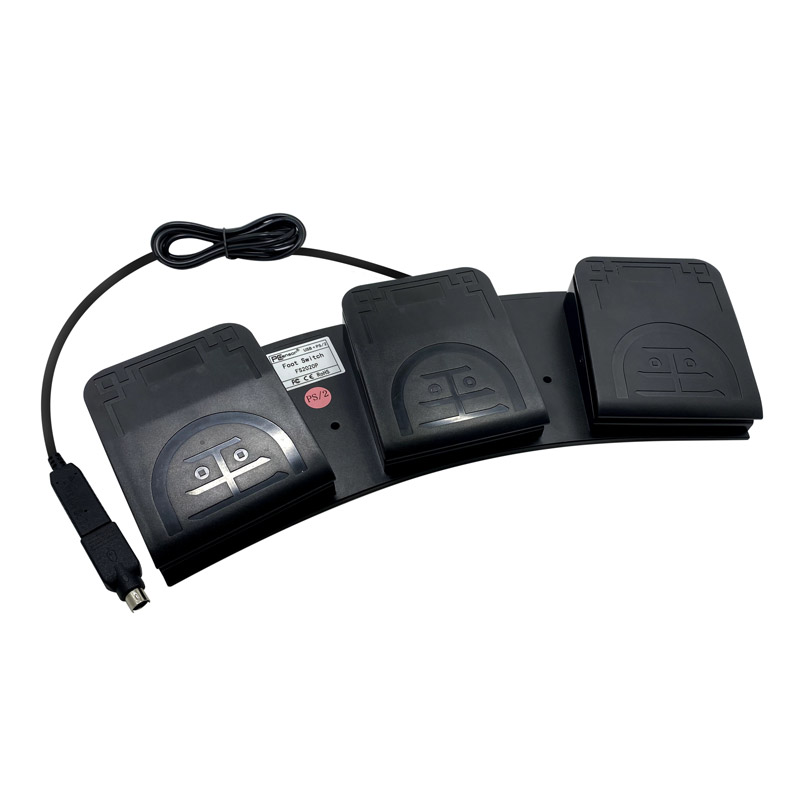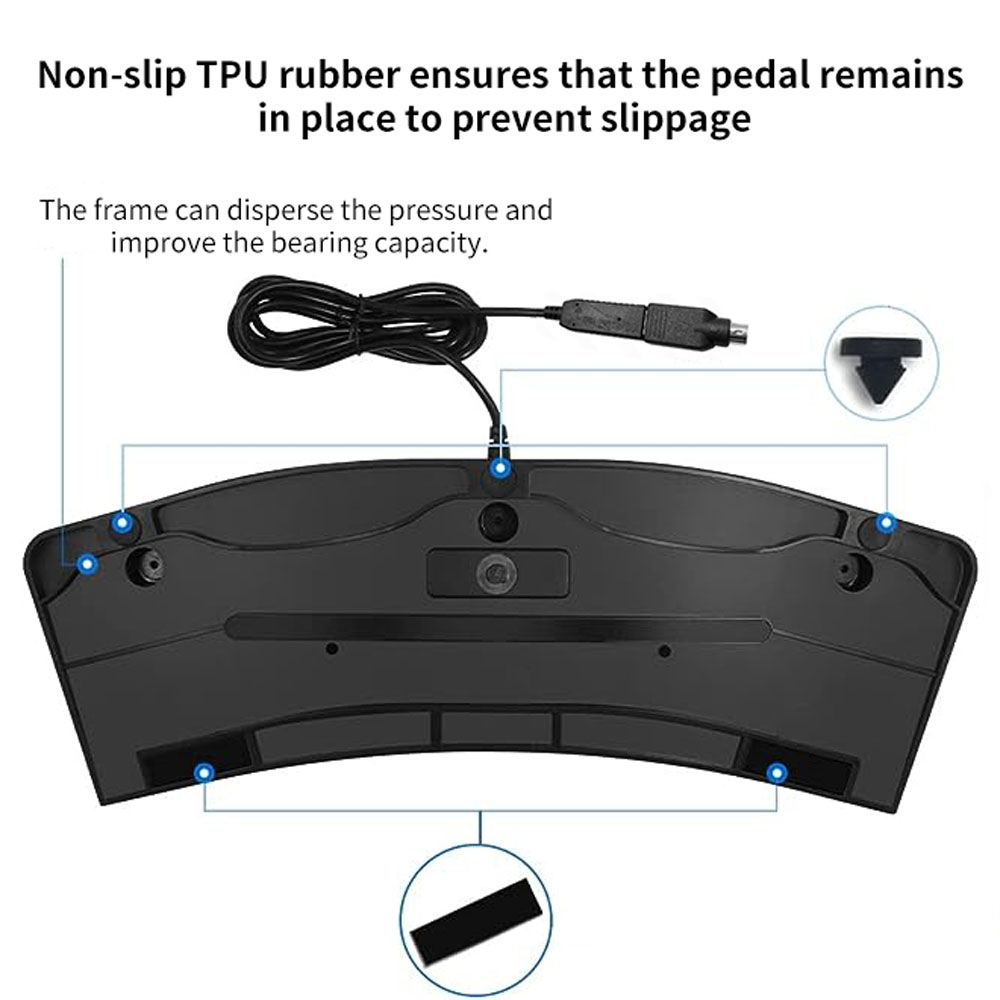


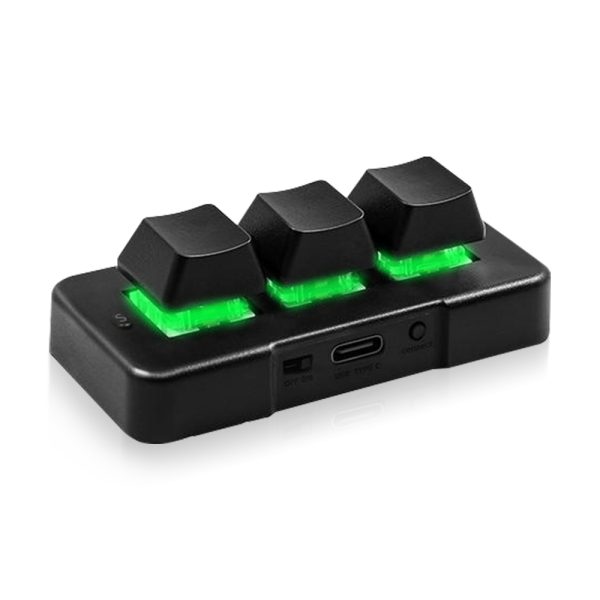
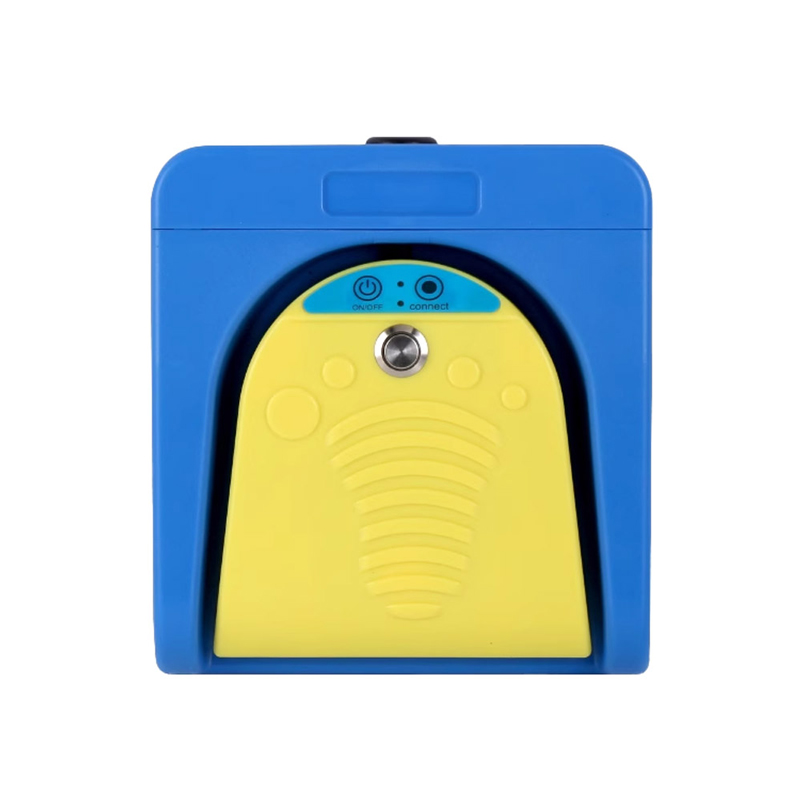
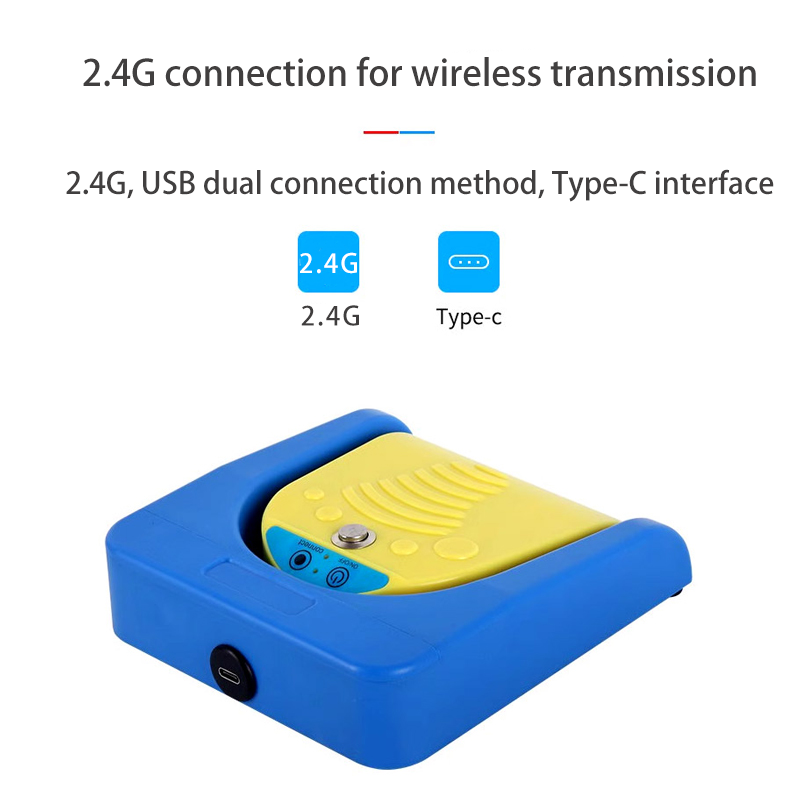
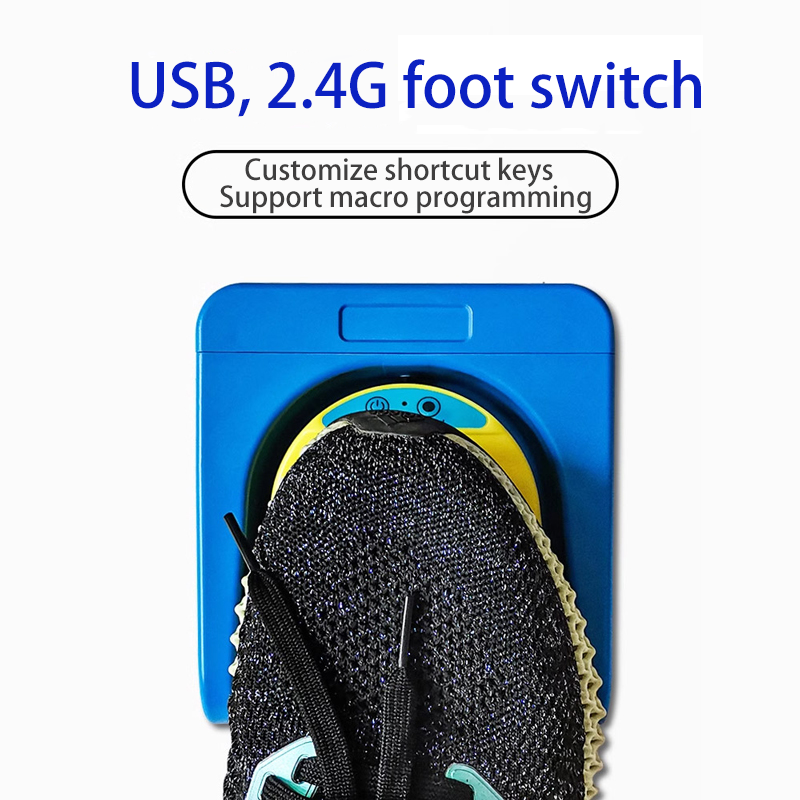




PCsensor Dual-Mode 2.4G USB Foot Switch Pedal FS2016

$38.67$40.60

Weight N/A
Dimensions N/A

1. Product Overview

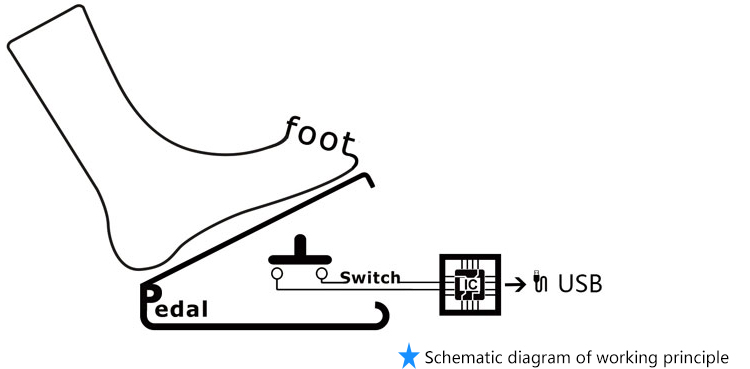
This product is an HID input device for computers(and mobile phones),with functions similar to
keyboards and mice.Paired with ElfKey software,the button functions can be flexibly modified,
Widely applicable to medical,industrial,office,gaming assistance and other scenarios.
As an HID device,it is compatible with multiple systems including Windows,MAC,Linux,Android,
iOS,and HarmonyOS.The supporting software ElfKey provides Windows and MAC versions,
and some products additionally support Android versions.
ElfKey is only used to set button functions.After completing the settings,
The device can be used on any computer or mobile phone without the need to repeatedly
install or open the software.Software download link:ElfKey.com

2. Selection instructions

Product Model

Product Name

Switch Type

Features

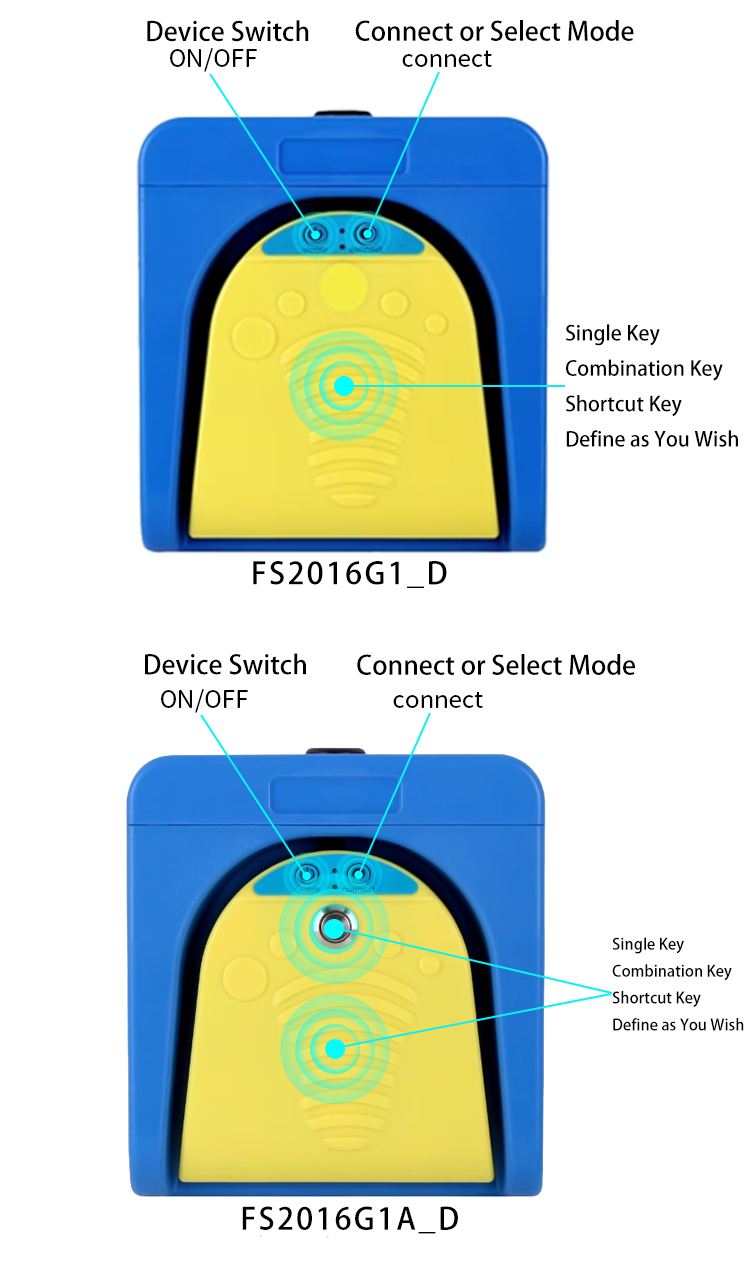
FS2016G1_D

One -button Foot Switch

Mechanical Switch

Internal switch makes a sound,USB 2.4G interface

FS2016G1A_D

One -button Foot Switch

3. Application scenarios

Foot operated switch

One time setup, universal across all platforms

4. Product Features

  • It can be set as shortcut keys such as left mouse button,right mouse button,middle mouse button,forward and backward.
  • It can be set to save,copy,paste,switch programs,open task manager and other combination keys and shortcut keys.
  • It can be set to a quick input string.
  • It can be set to shortcut keys for pause,play,previous,next,open my computer and open calculator,etc.
  • It can be set to record a series of keyboards and mouses' complex operations,such as press the button,move,click and scroll the mouse and other related operations.

5. Application Fields

Multimedia

Plug and play, Volume±

Keyboard

It can be programed to any keyshotkeys or shortcut keys.

Vedio Games

One click combo, carry all.

String Function
Mouse Function

It can be edited as frequently used texts.

Medical Equipmentimage collection

Capture images with a gentle tap by your foot

6. Detail display

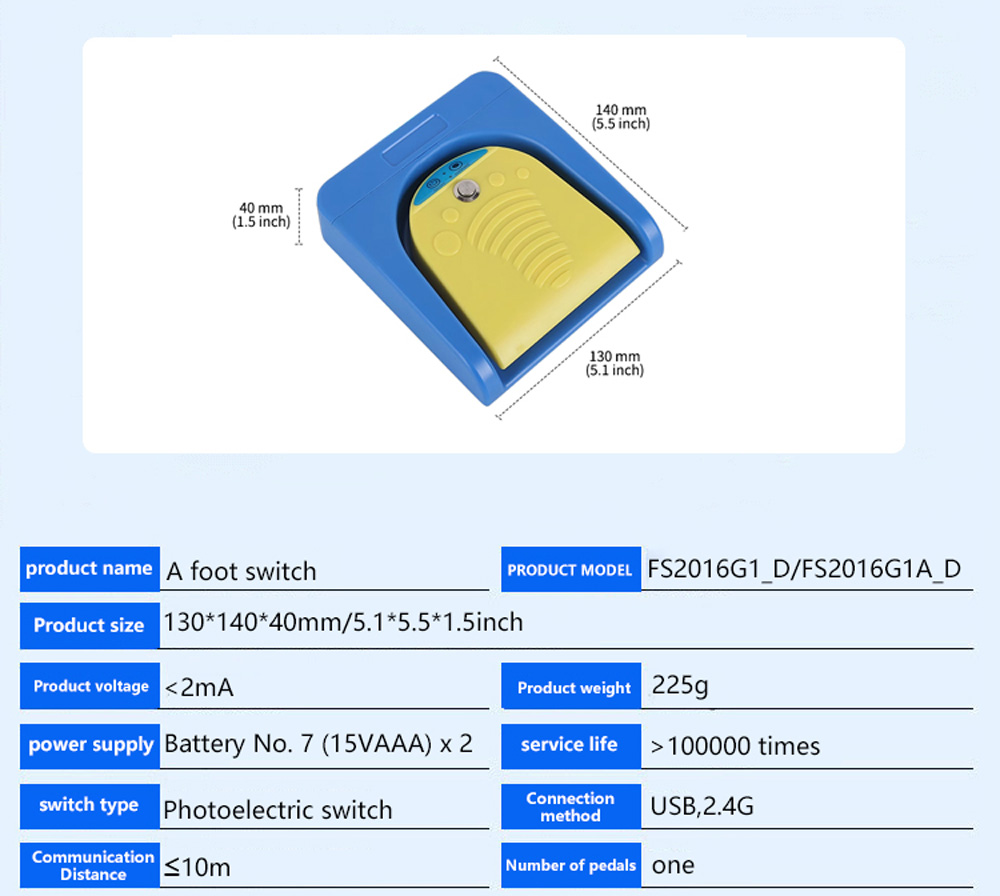
7. Product parameters

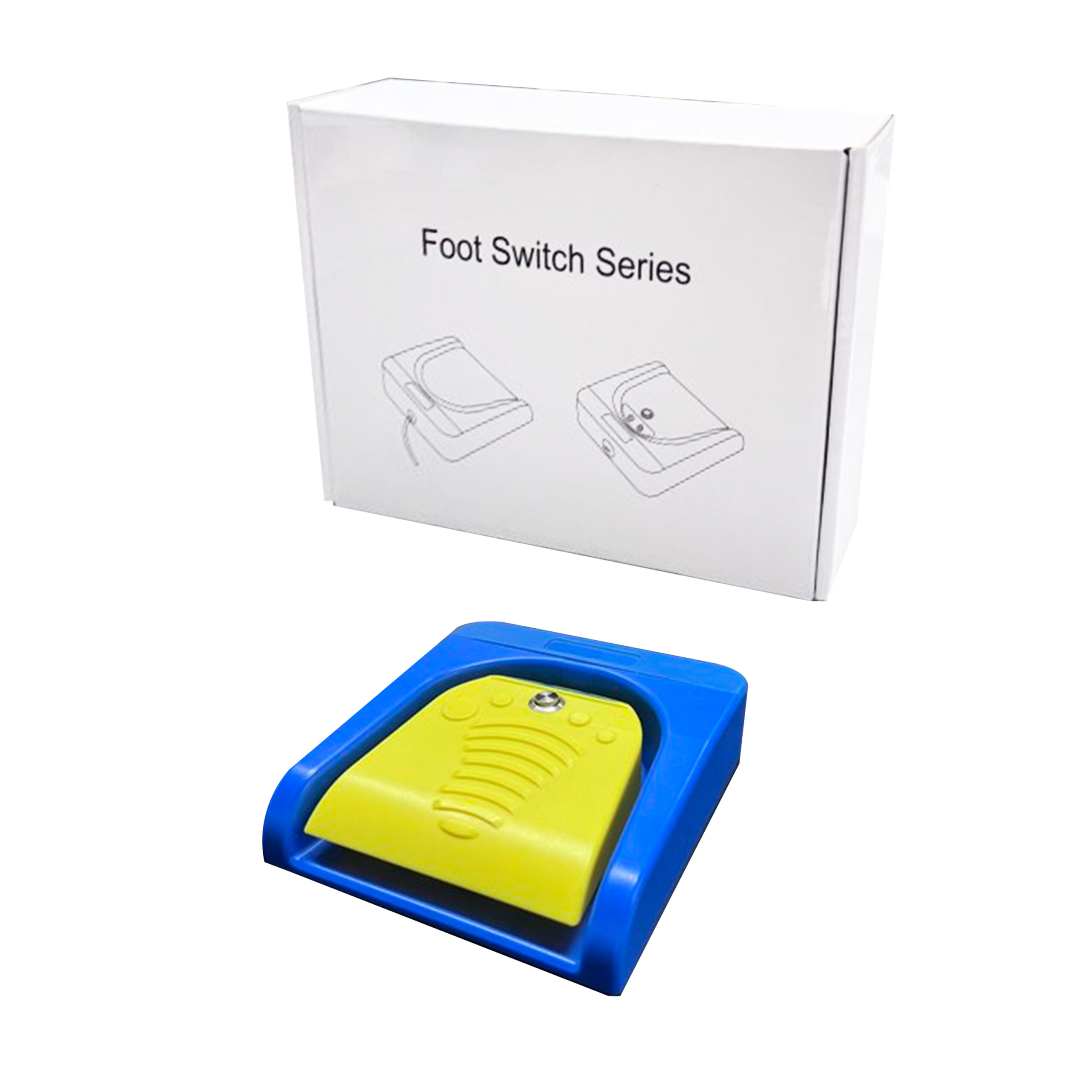
8. Product packaging

9. Software Description

1. Install software

Please visit Elfkey.com  to download and install the latest version of EIfkey.exe

2. Installation and Connection

After installation, start the ElfKey software and connect it to the computer via USB. Thedevice information will be automatically recognized. In the function settings module,according to the required function settings, save it to complete the settings.
*The above is an example of successful installation and connection interface.Factory owns R & D, if you need to customize the function, or have any questions,please feel free to contact us anytime.

10. Product certificate


update time:2026/09/09

Clicktoviewmorecertificates

Customer Reviews

Reviews

There are no reviews yet.

Only logged in customers who have purchased this product may leave a review.