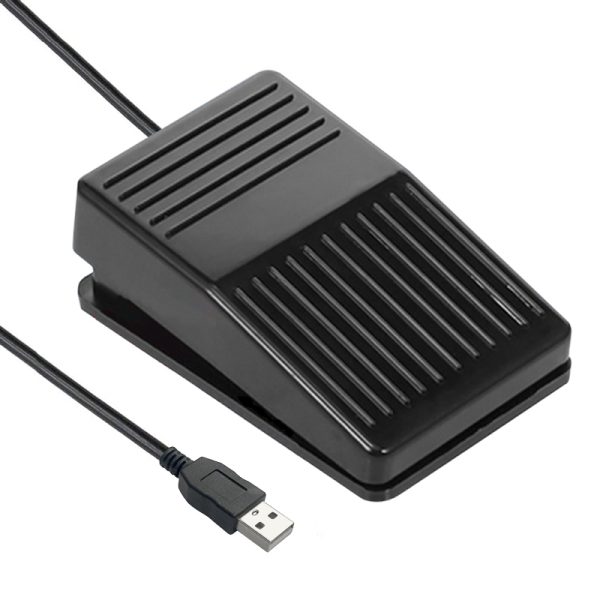
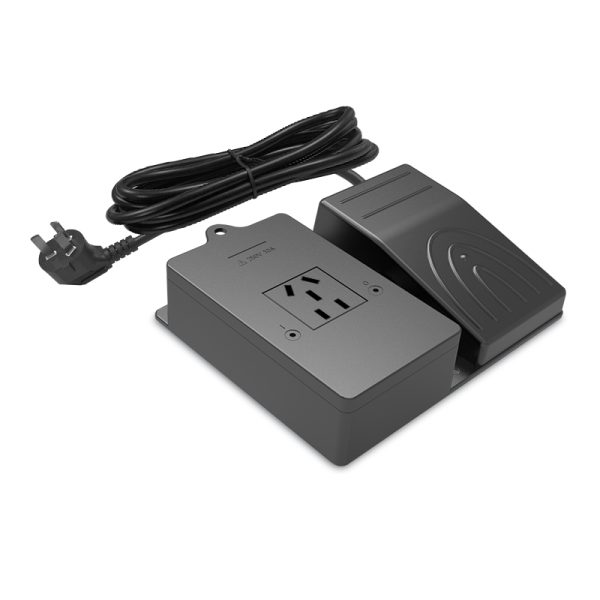
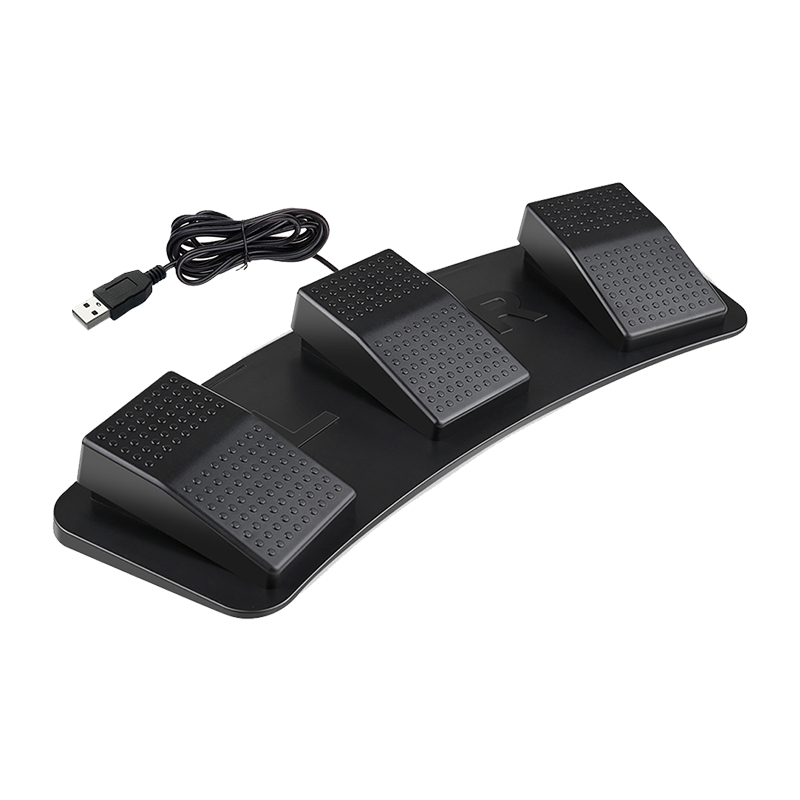
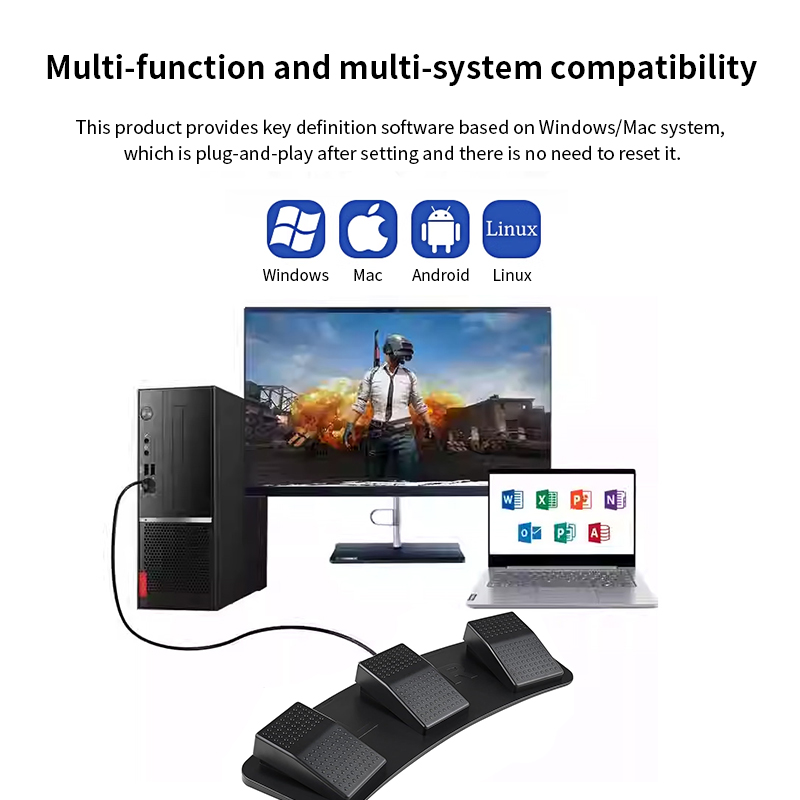
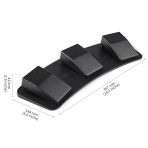
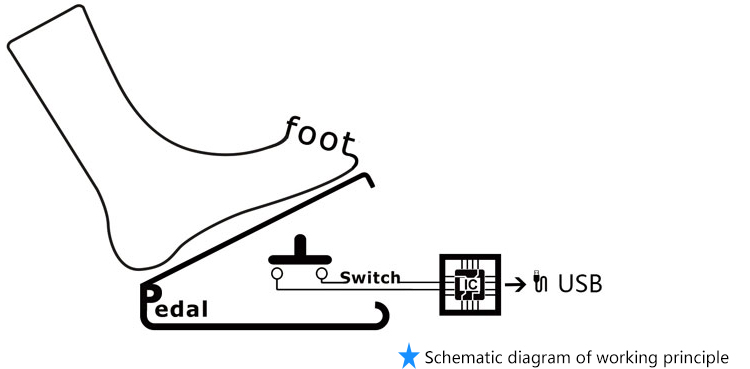
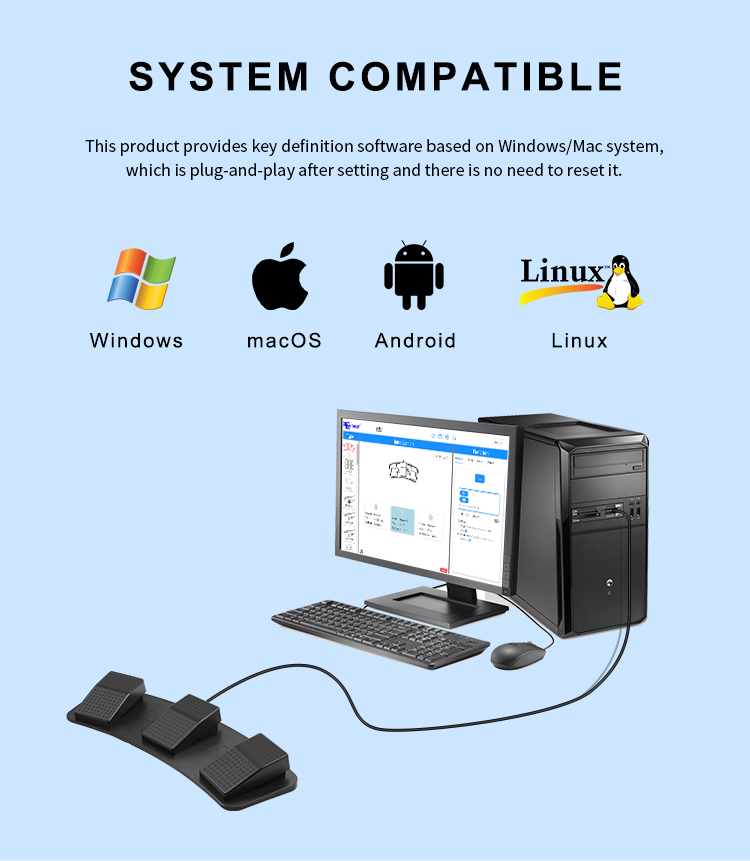
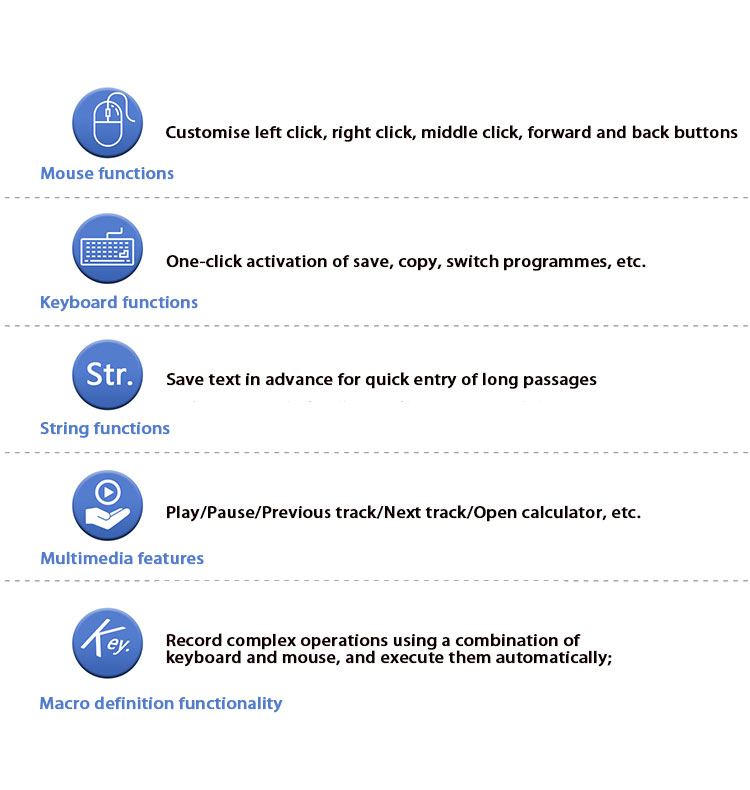
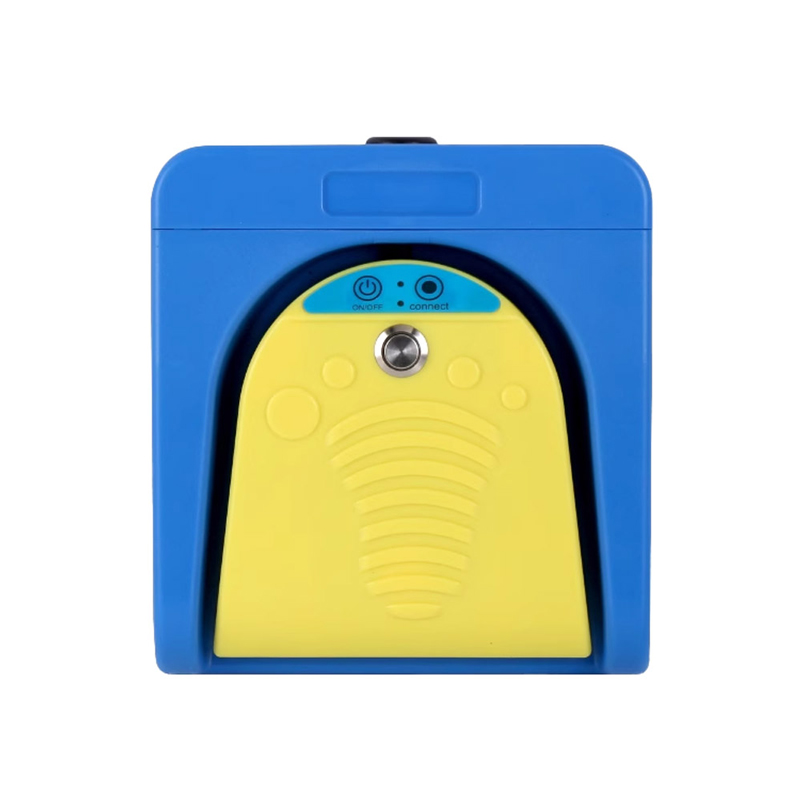
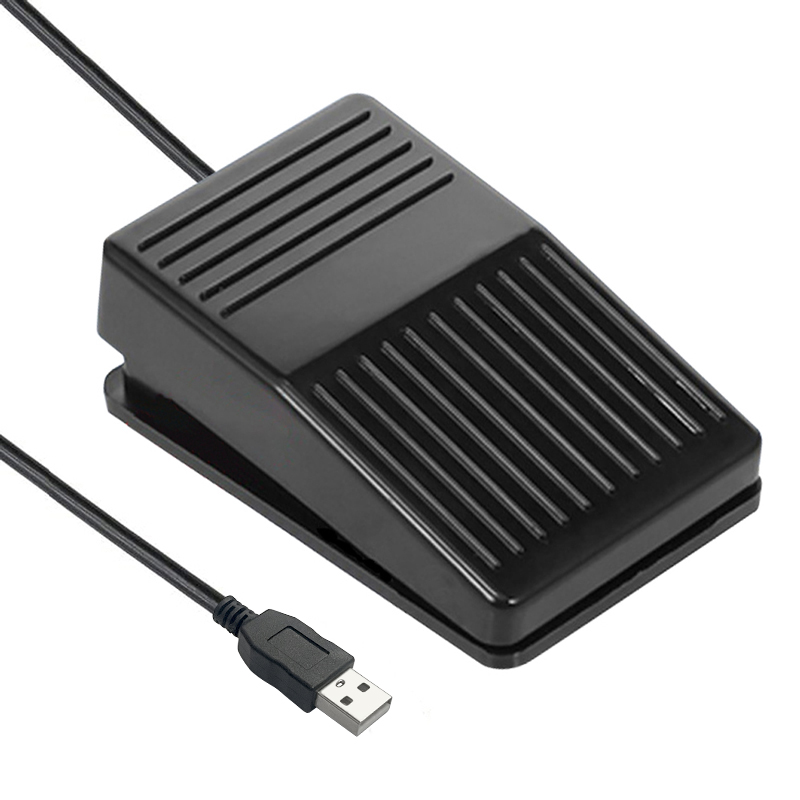
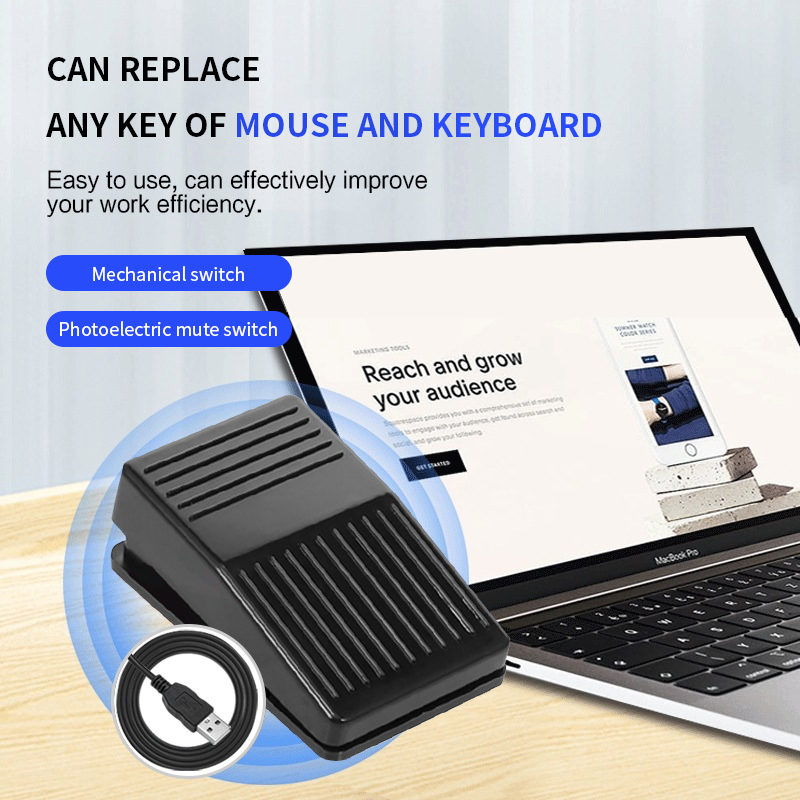
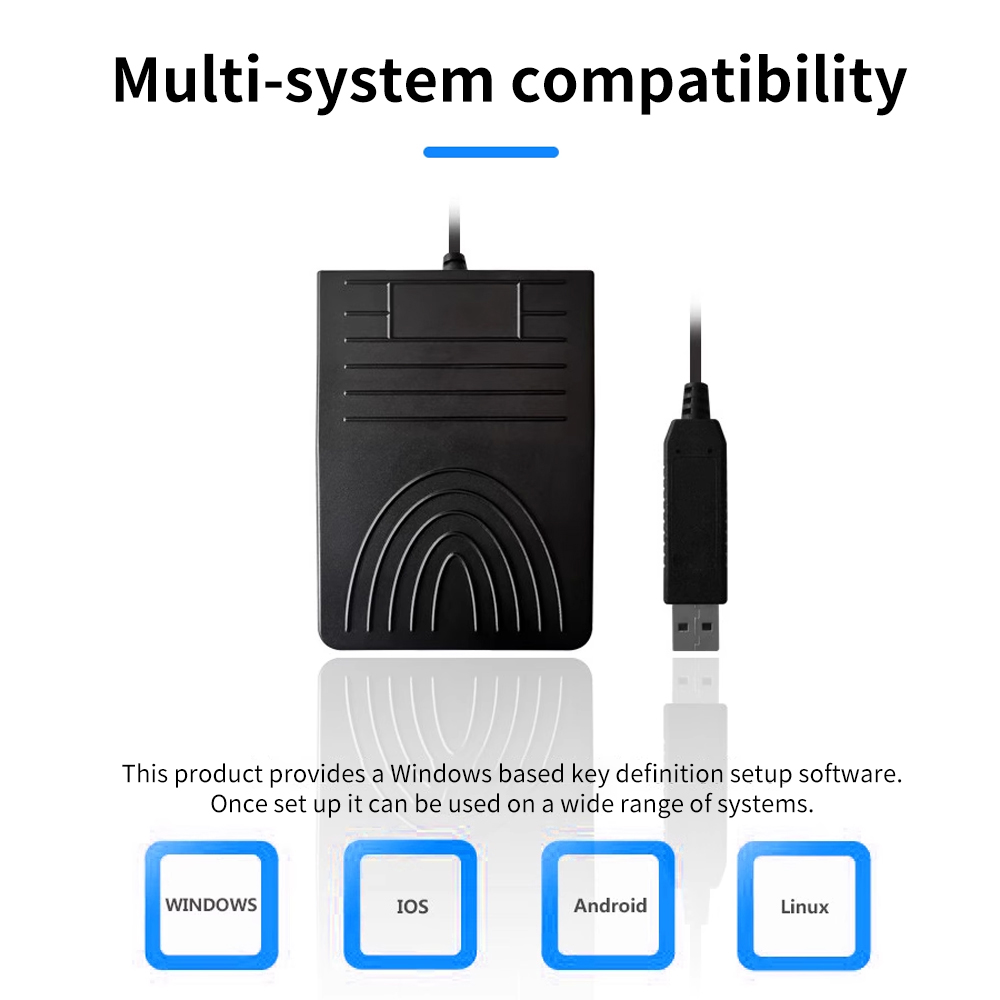
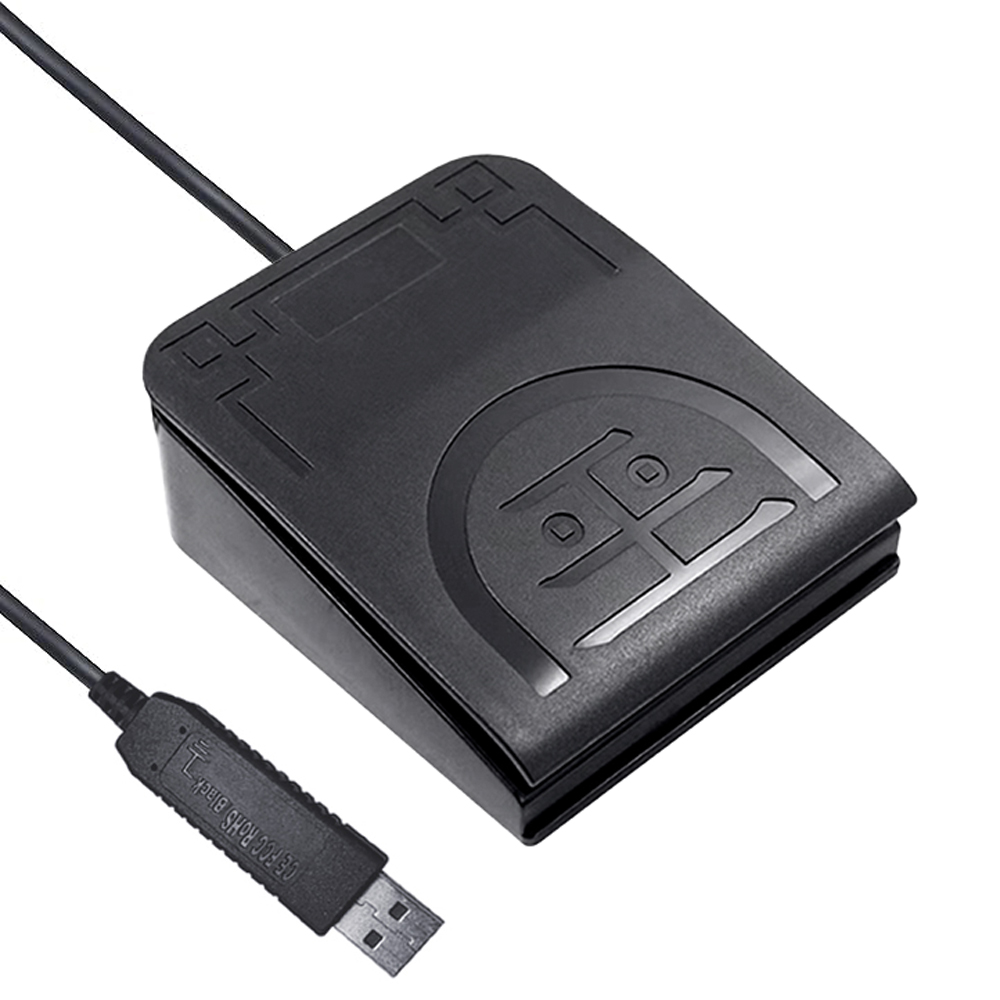
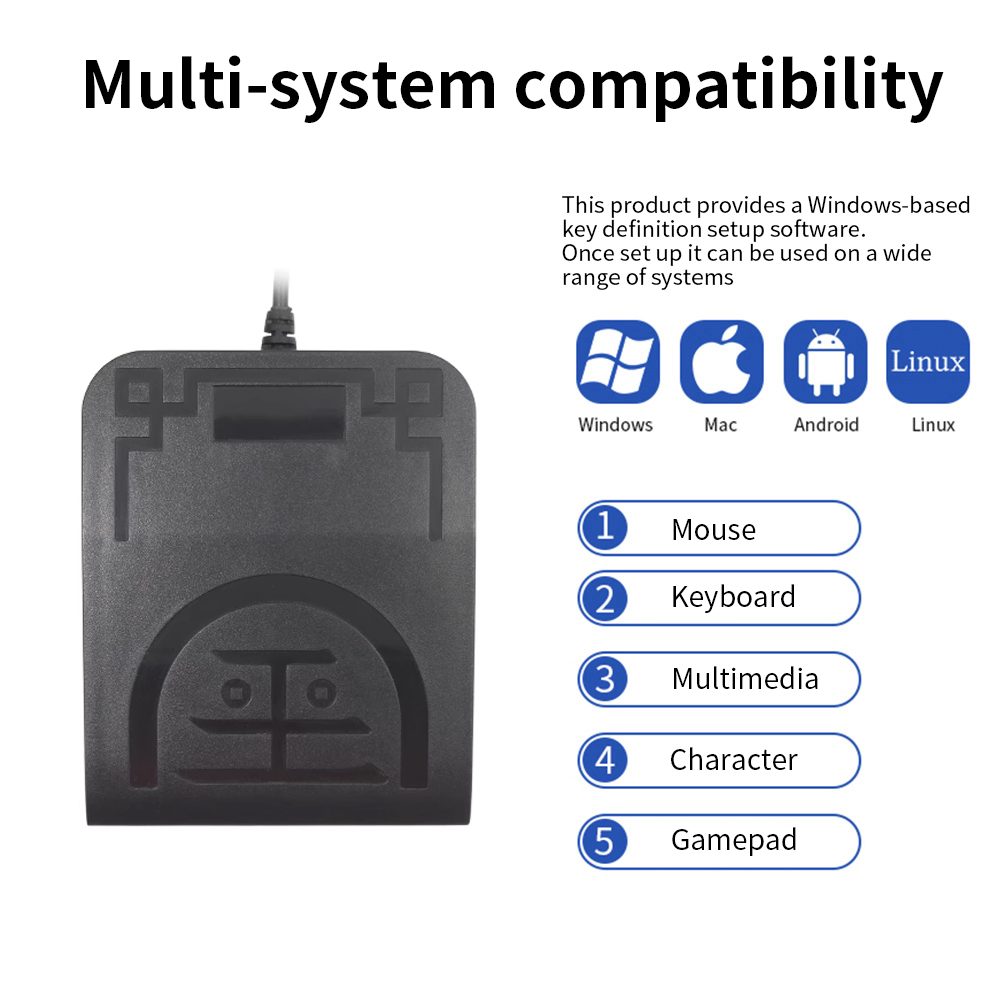
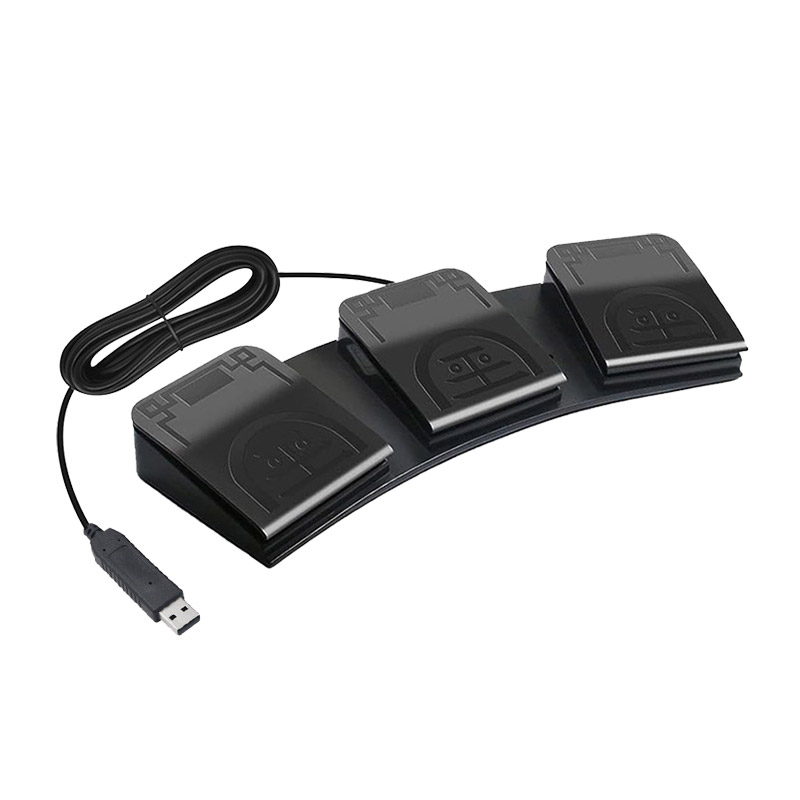
This product is an HID input device for computers(and mobile phones),with functions similar to keyboards and mice.Paired with ElfKey software,the button functions can be flexibly modified, Widely applicable to medical,industrial,office,gaming assistance and other scenarios. As an HID device,it is compatible with multiple systems including Windows,MAC,Linux,Android, iOS,and HarmonyOS.The supporting software ElfKey provides Windows and MAC versions, and some products additionally support Android versions. ElfKey is only used to set button functions.After completing the settings, The device can be used on any computer or mobile phone without the need to repeatedly install or open the software.Software download link:ElfKey.com
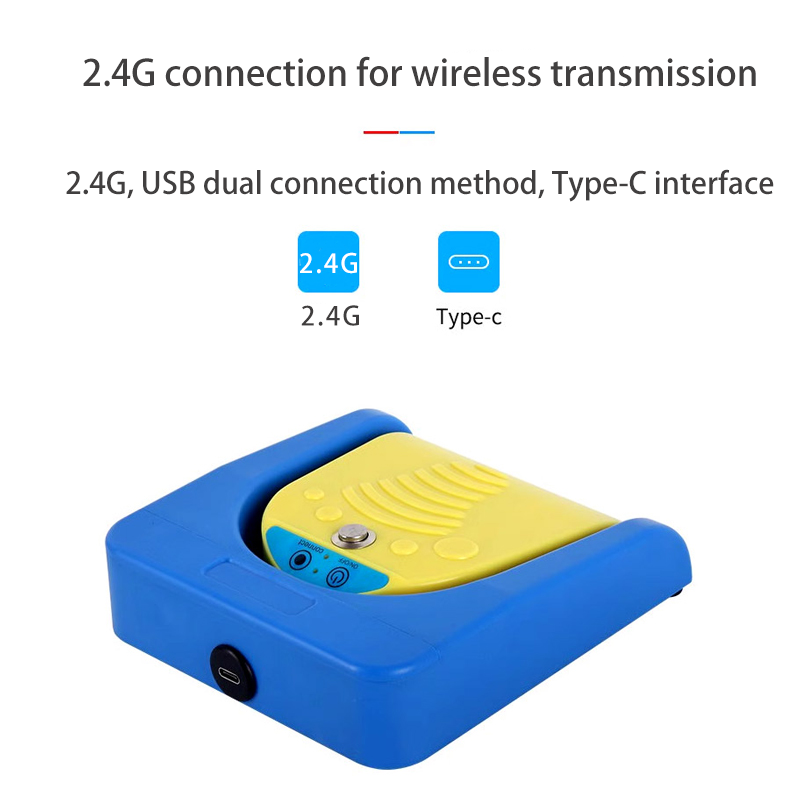
The internal switch is audible,with a Type-C interface
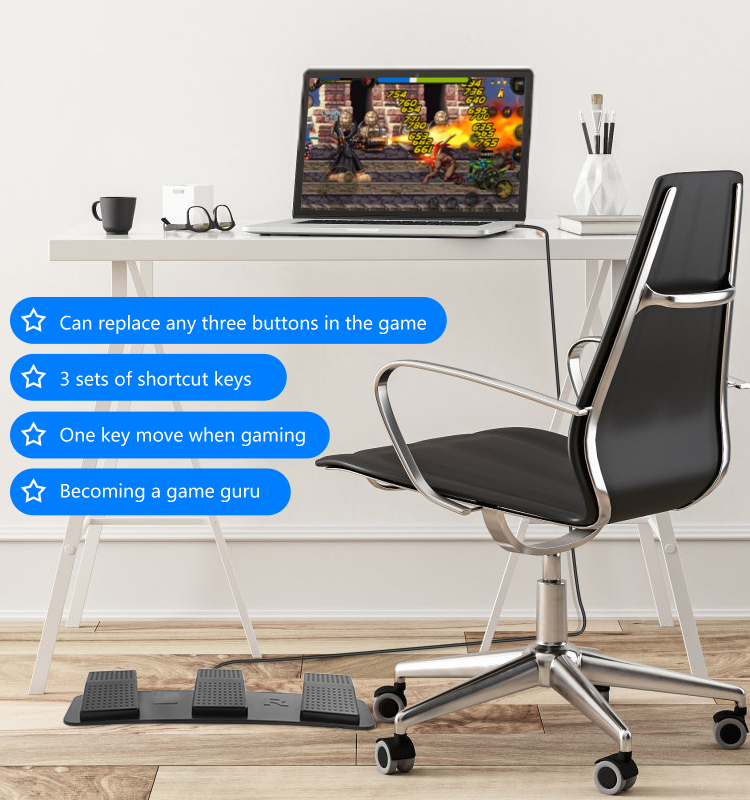
3. Application Scenarios
4. Product Function
5. Application Area
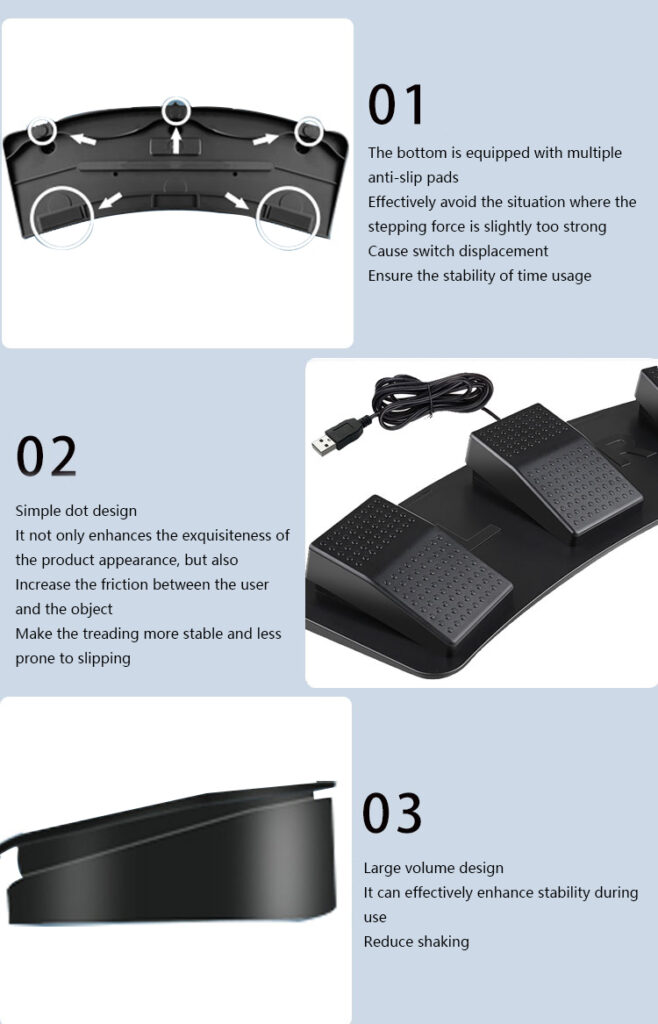
6. Detail Display
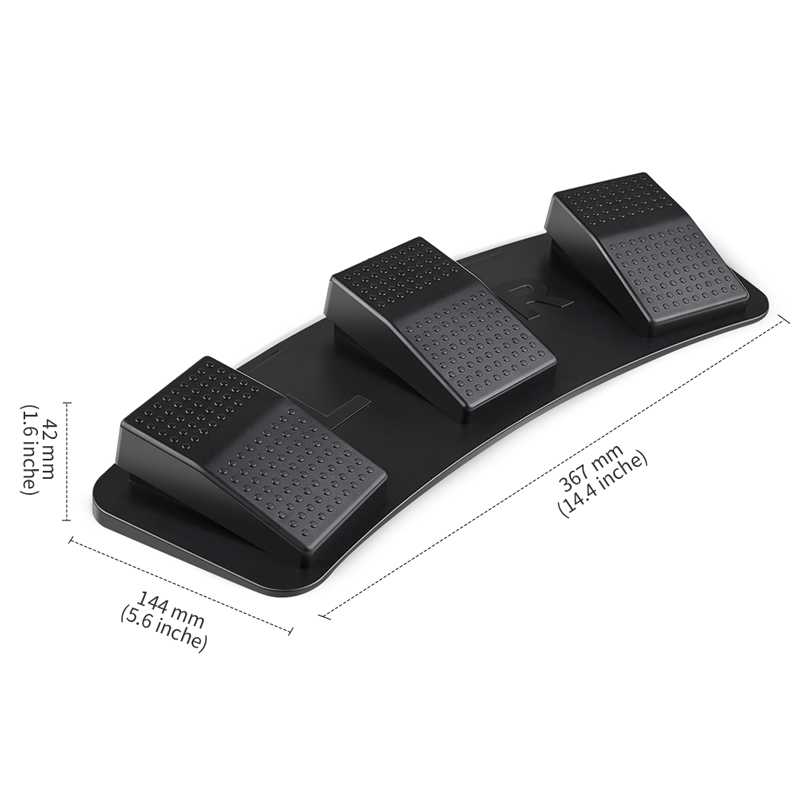
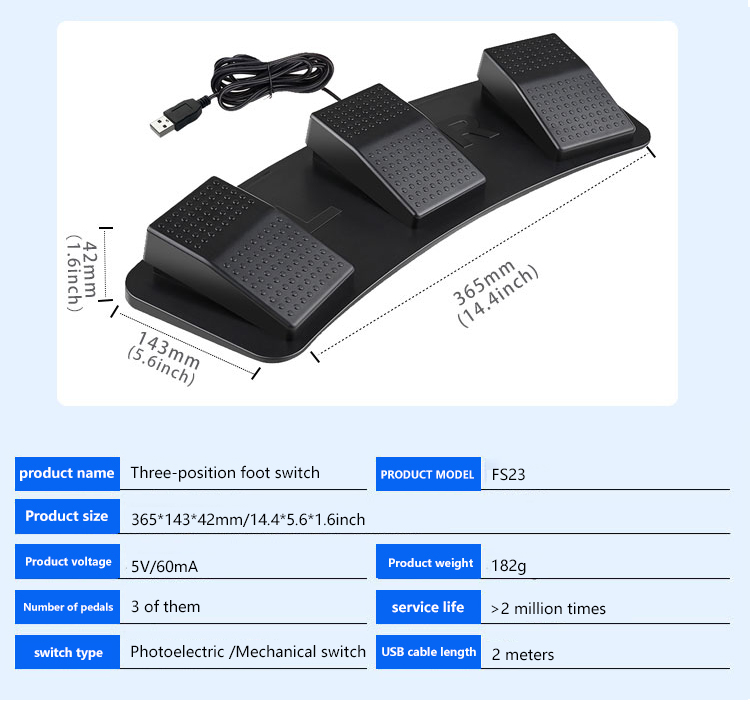
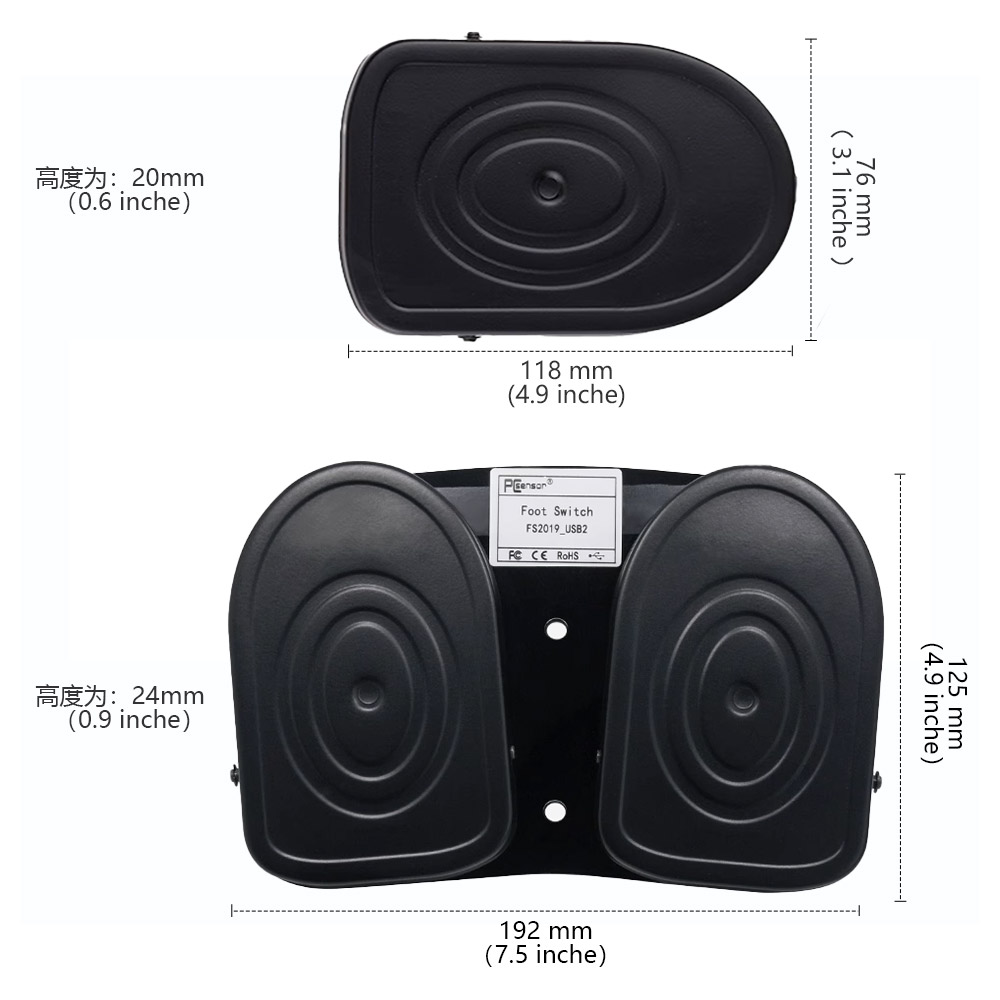
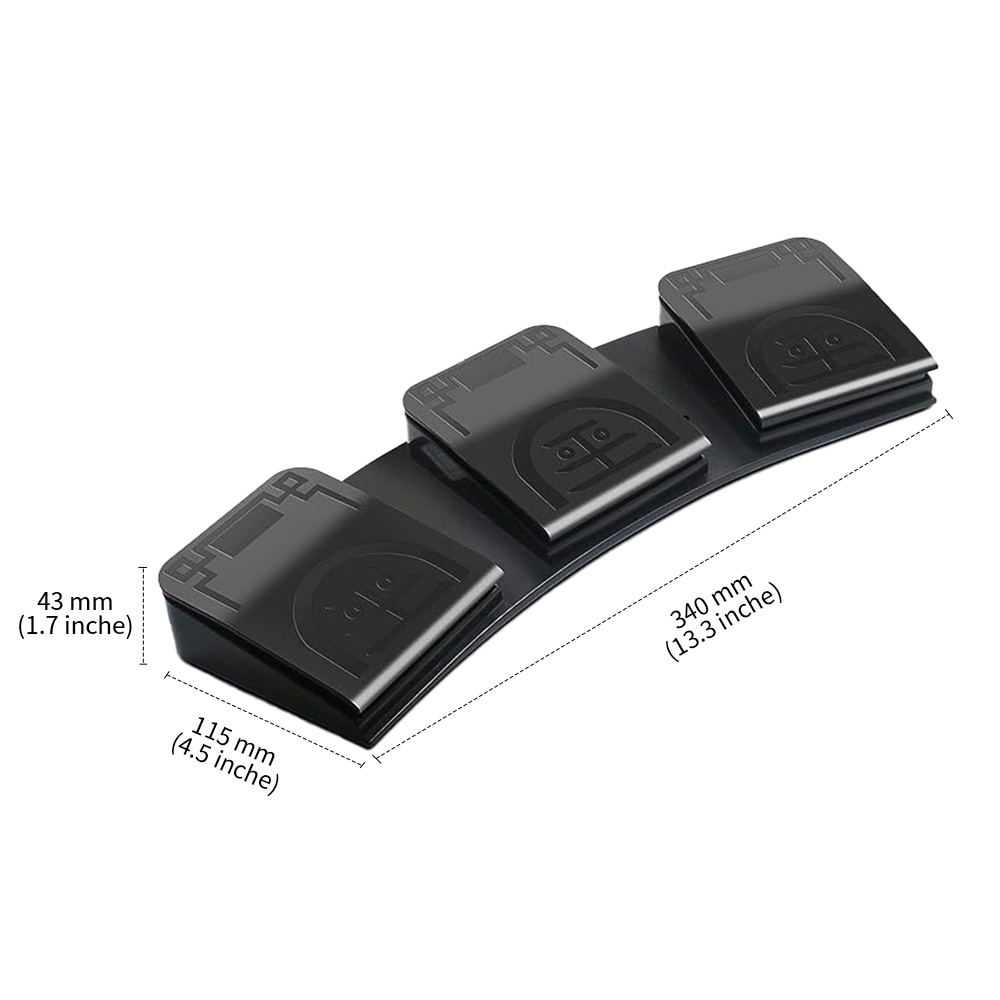
7. Product Parameters
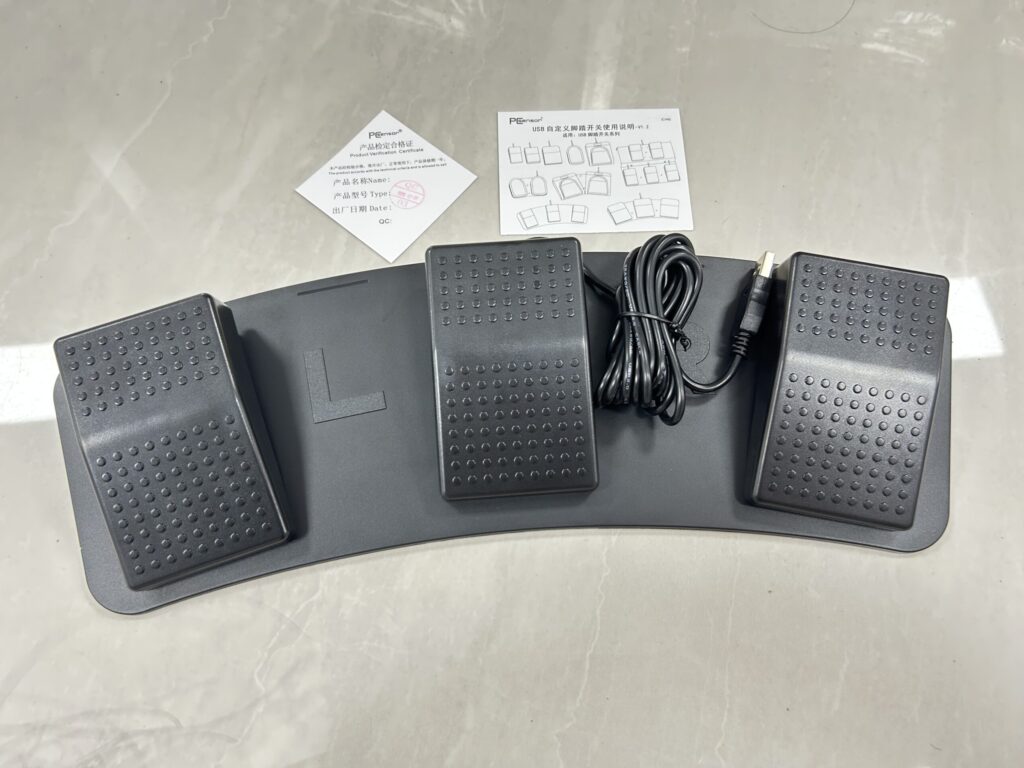
8. Product packaging
packing list
1. One main product
2. 1 piece of surface decal
3. One instruction manual
4. Please download the software through the website provided in the instruction manual
9. Software Description
1. Install software
Please visit Elfkey.com to download and install the latest version of EIfkey.exe
2. Installation and Connection
After installation, start the ElfKey software and connect it to the computer via USB. Thedevice information will be automatically recognized. In the function settings module,according to the required function settings, save it to complete the settings.
*The above is an example of successful installation and connection interface.Factory owns R & D, if you need to customize the function, or have any questions,please feel free to contact us anytime.














Reviews
There are no reviews yet.